Kids 3D Printer: GEEETECH M1 Supports Safe STEM Learning
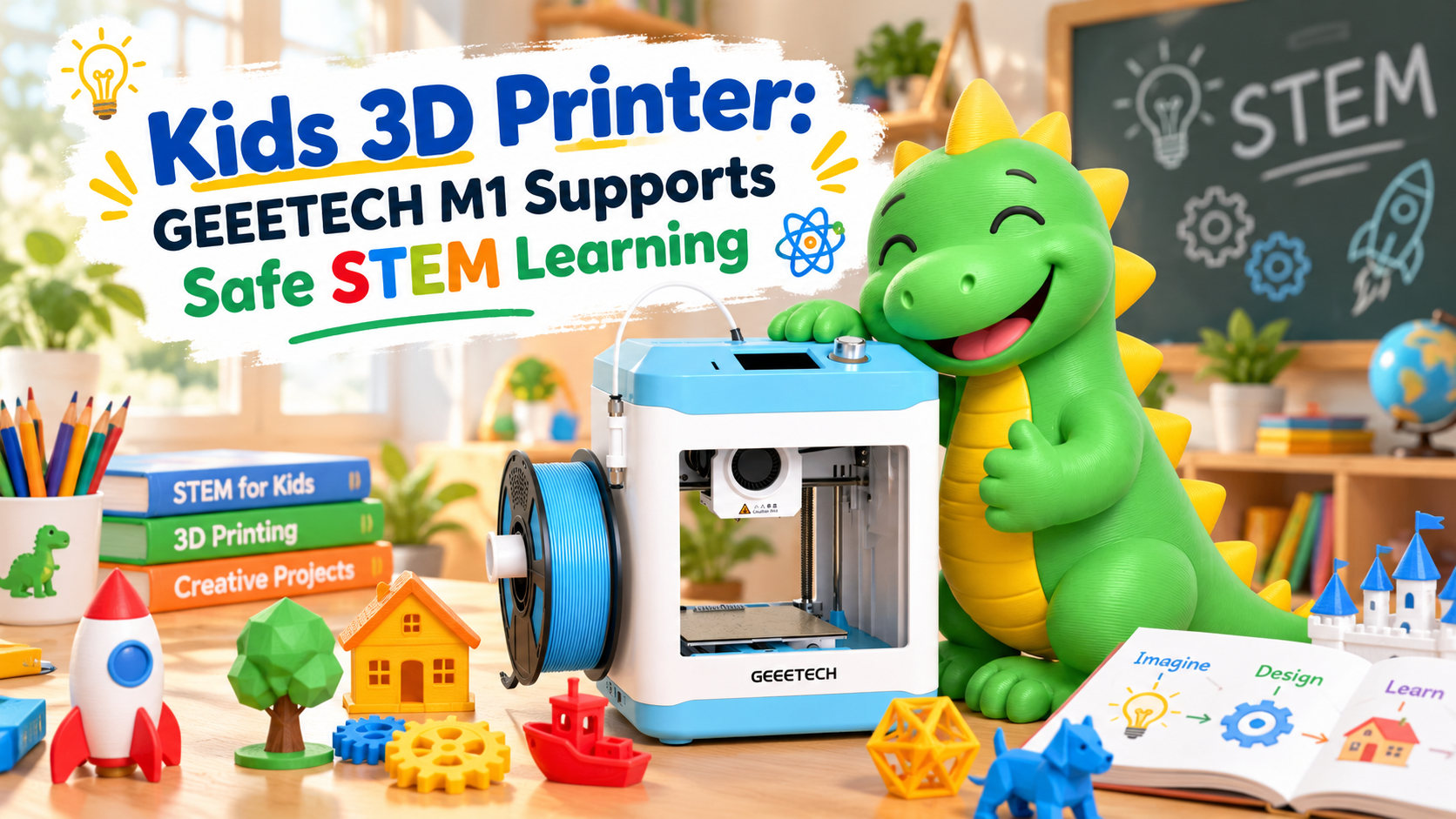
Parents, educators, and STEM program coordinators searching for a kids 3D printer manufacturer face a common challenge: desktop FDM 3D printing involves setup tasks such as bed leveling, filament loading, slicing, and initial-layer calibration that can cause failed prints or machine damage when not performed correctly. For classrooms and home learning environments where young users are present, these technical hurdles matter even more, since untrained operators risk wasted materials, discouraging failures, or safety concerns around moving parts and heated components.
GEEETECH positions itself around this exact pain point and provides desktop FDM 3D printing hardware together with user guidance, bundled slicing profiles, and after-sales technical support to make setup and operation more predictable. This combination of hardware and structured support is particularly relevant for STEM contexts, where reliability and ease of use directly influence whether students and beginners stay engaged with the printing process rather than becoming frustrated by technical failures.
Why Setup Simplicity Matters for STEM Education
STEM learning environments benefit from tools that let learners focus on design and problem-solving rather than troubleshooting hardware. The GEEETECH M1 3D Printer, part of the company's Desktop FDM 3D Printers product line, is positioned for compact desktop FDM 3D printing for 1.75mm PLA and TPU in a 100*110*100 mm build volume, and is described as good for kids and beginners. This positioning reflects a product line built around manageable build size and simplified operation rather than industrial-scale output.
Automatic Bed Leveling Reduces Manual Calibration
One of the most common sources of failed prints is inconsistent bed leveling. The GEEETECH M1 addresses this with automatic bed leveling: the printer heats the bed to 50°C, cleans the nozzle, and probes 16 points to complete bed leveling. After a successful cycle, the screen displays "GEEETECH M1 Ready"; if leveling does not succeed, it shows "Probing Failed." A manual bed leveling option remains available as an alternative. Because the hot bed must be leveled on initial use, the printer declines to print the model until this step is completed, which helps prevent attempts to print on an unprepared surface.
BabyStep Adjustment for the Initial Layer
Even after automatic bed leveling, first-layer adhesion issues may occur if the nozzle is too close to or too far from the build plate. The GEEETECH M1's BabyStep function allows users to fine-tune the nozzle height during the first layer of printing. This feature can be accessed by long-pressing the control knob on the home screen or selecting BabyStep from the Tune menu.
In the BabyStep settings, "+" raises the nozzle, while "−" lowers it, helping users achieve the proper distance between the nozzle and the build plate. These adjustments apply only to the current print and are not saved for future printing tasks.
With adult supervision, this feature provides a convenient way to correct first-layer issues without requiring beginners to modify more advanced printer settings.
Guided Filament Loading and Material Compatibility
The Prepare menu offers Load options for Preheat PLA, Preheat TPU, and Preheat Custom, prompting insertion of filament through the material break detection sensor into the extruder until melted filament exits the nozzle. The printer supports 1.75mm diameter PLA and TPU filament. The included filament holder supports 0.5kg GEEETECH filaments; 1kg spools are not supported directly, but it can be used by printing a spool holder, which is a practical consideration for classroom supply planning. The material break detection sensor monitors filament presence at the inlet, helping maintain supervised operation during a print session.
Built-In Safety Awareness and Lighting
GEEETECH explicitly notes that children and untrained persons should not use the product alone, and that moving parts, the stepper motor, nozzle, and hot bed should not be touched while the printer is running. This guidance is directly relevant for STEM settings where adult supervision accompanies student use. Three internal LED lights provide always-on, 5-minute auto shut-off, and always-off modes, with the 5-minute auto shut-off set as the default, offering visibility into the print chamber during supervised sessions.
Bundled Slicing Software for Predictable Output
Rather than relying solely on default slicing parameters, GEEETECH bundles Cura and OrcaSlicer profiles tuned for GEEETECH M1, included on the TF card alongside the electronic user manual, model slicing software, test models, and an instructional video. This bundled approach is intended to deliver print quality beyond default slicing parameters, reducing the trial-and-error that might otherwise accompany STEM print projects on a tight schedule.
Connectivity and File Handling
The GEEETECH M1 reads .Gcode files from Micro SD or TF card through the Print from Media menu, and also supports USB connectivity. A display screen and control knob provide the primary interface for menu navigation, keeping the operational workflow contained to a single device without requiring continuous computer connection during printing.
Power, Environment, and Maintenance Guidance
The printer operates on DC 24V input with a power adapter power of at least 96W; GEEETECH notes that other voltages can cause improper operation or damage, underscoring the importance of using the specified power setup. Recommended use is within a 10~40°C environment, in a spacious, flat, and ventilated location, away from flammable or explosive materials. Daily maintenance guidance includes regularly lubricating X-axis, Y-axis, and Z-axis screws and bearings, checking belt tightness, inspecting nozzle wear, and keeping ambient temperature suitable—practical habits that can be built into classroom equipment-care routines.
Technical Specifications Overview
Key specifications include FDM molding technology, a 0.1~0.2 mm print layer height, a 100*110*100 mm print size, printing speed under 250 mm/s, printing accuracy of ±0.1 mm, a single 0.4 mm nozzle with a maximum nozzle temperature of 230°C, and a maximum bed temperature of 60°C. The machine measures 279 (L) x 200 (W) x 298 (H) mm, with a net weight of 3 kg and gross weight of 4 kg. Package contents include the M1S 3D Printer, user manual, filament, nozzle, L-shaped hex wrench, wrench, Micro SD card, spool holder, needle, tweezers, Teflon tube, and Micro SD card reader.
Service and After-Sales Support
GEEETECH's service model extends beyond the hardware itself, encompassing setup guidance, slicing workflow setup, maintenance instructions, technical support, and after-sales service. According to the company, GEEETECH technical support will provide high-quality after-sales service, supported by resources including the electronic manual, instructional video, and software installation packages included with the printer, along with the GEEETECH M1 Wiki for reference.
Conclusion
For STEM programs and families evaluating a kids 3D printer manufacturer, the considerations typically include setup reliability, safety awareness, bundled software support, and clear maintenance guidance. GEEETECH's M1 printer addresses these considerations through automatic 16-point bed leveling, BabyStep initial-layer correction, integrated material break detection, bundled Cura and OrcaSlicer profiles, and explicit safety guidance for supervised use by children. Combined with a compact 100*110*100mm build volume suited to beginner projects and a service structure covering setup, maintenance, and after-sales support, GEEETECH presents a structured approach to desktop FDM printing for STEM-oriented environments.
geeetech.com
GEEETECH
About Author